
Gift Card Report
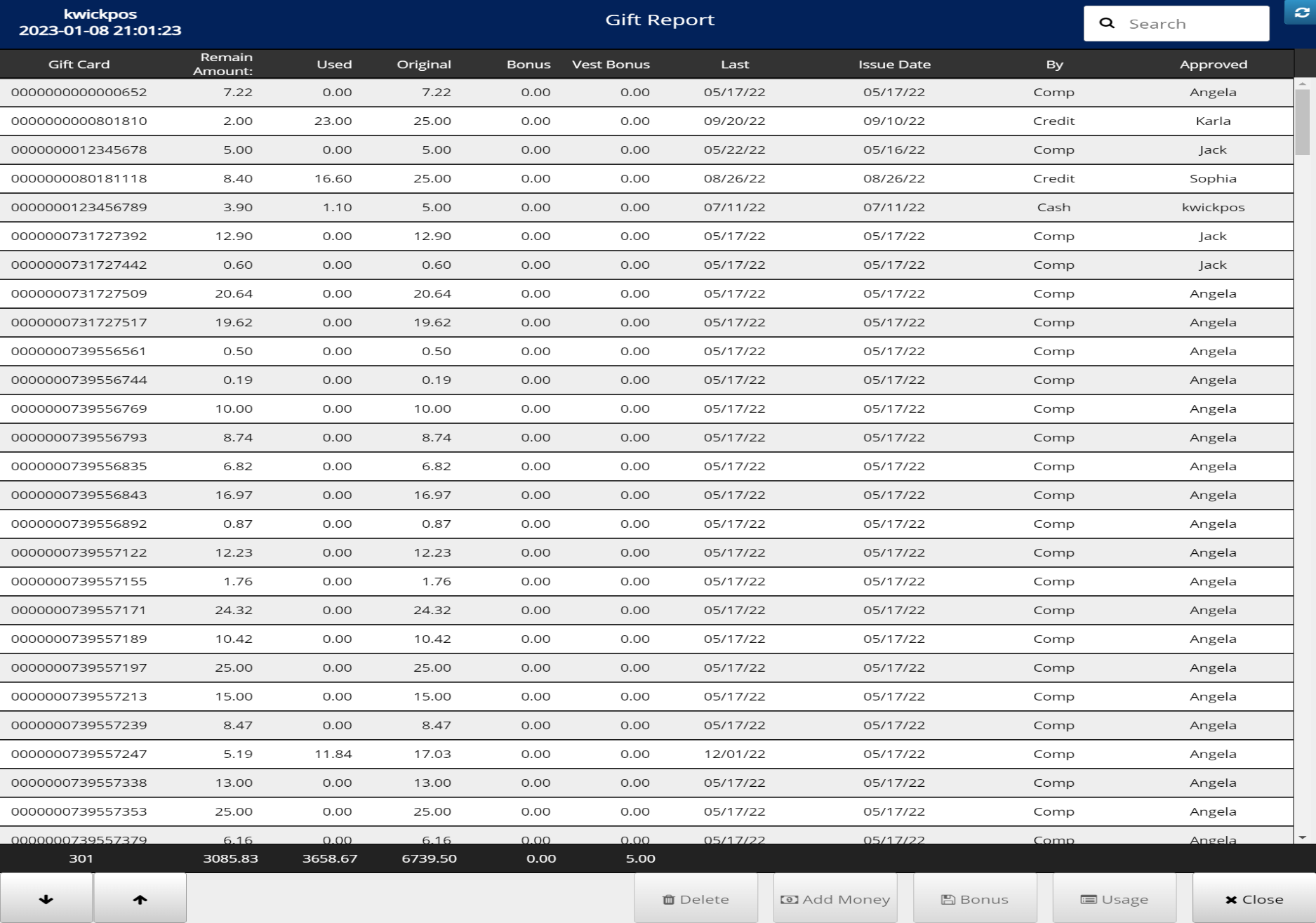
Payments & Tickets- Gift Card Report: Lists details of all gift cards that were sold
- Open Gift Card Report: Go to Tools->Gift Card->Gift Report
- For each transaction:
- Search
- Delete
- Add Money
- Add Bonus
- Check Usage
Still need a hand?
Our 24/7 support team can walk you through it.
Call (888) 355-6996