
Splitting Ticket
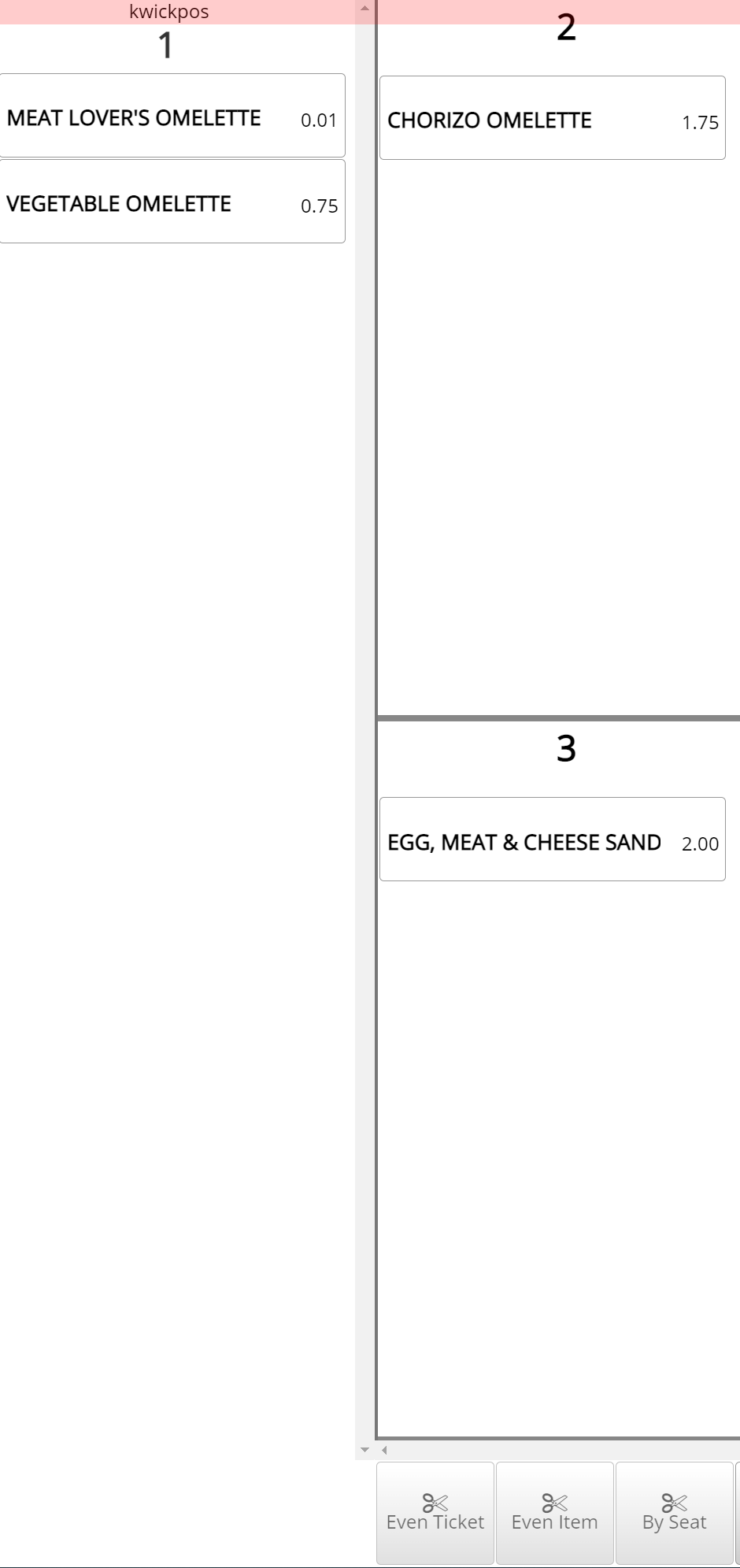
POS Basics- Splitting Tickets: If you would like to separate items onto different tickets, you can split them. There is not limit to how many times a ticket can be split.
- There are 4 ways to Split:
- Selecting items and moving them to a different ticket
- Splitting ticket evenly by a certain number
- Splitting items evenly by a certain number
- Splitting items by seat number
- Enable 2 different Split interfaces:
- Tools->Back Office->Advanced->System->General->Kwick Split->No
- Splitting tickets:
- Go to Orders->Select order->Split->Split order the Done
Still need a hand?
Our 24/7 support team can walk you through it.
Call (888) 355-6996