
SKU Printer
Hardware & NetworkSKU printer (Zebra410) print label styles
SKU printer (Zebra410) print label styles:
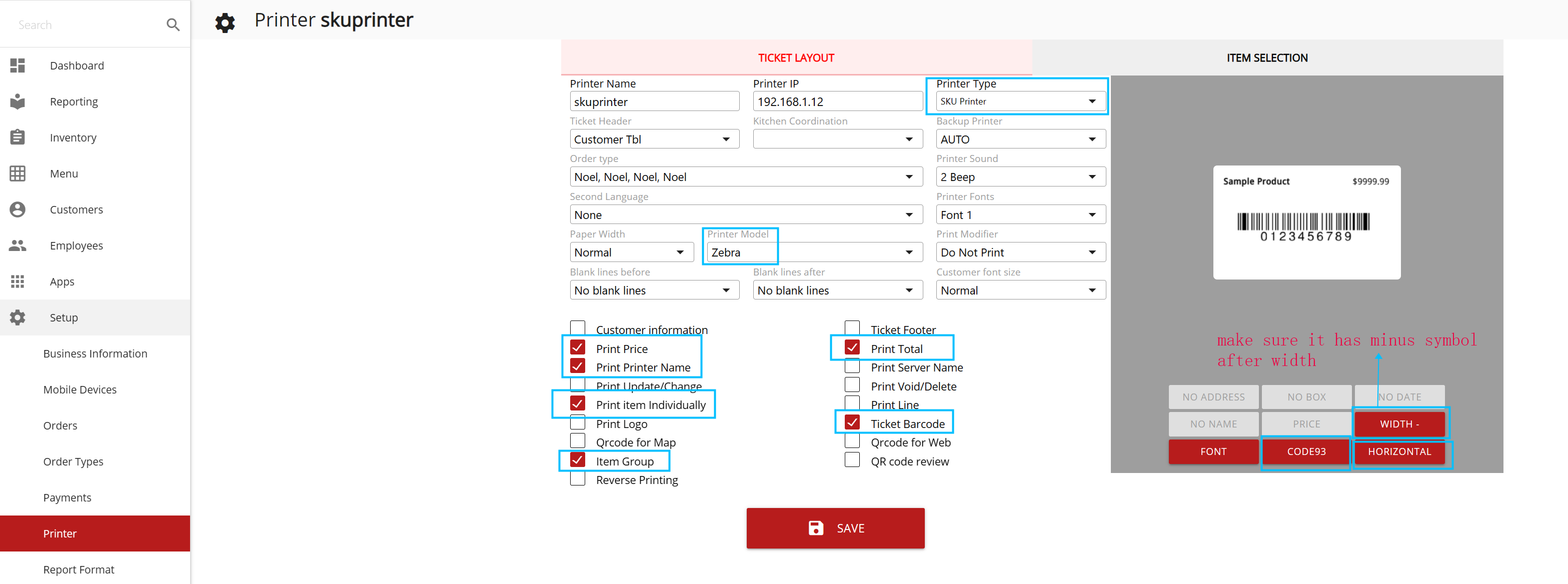
Setting: You need to set a label printer name as “sku printer” or others name as “SKU”. SKU Pinter setting: horizontal, width (control size), barcode, price, and item group.
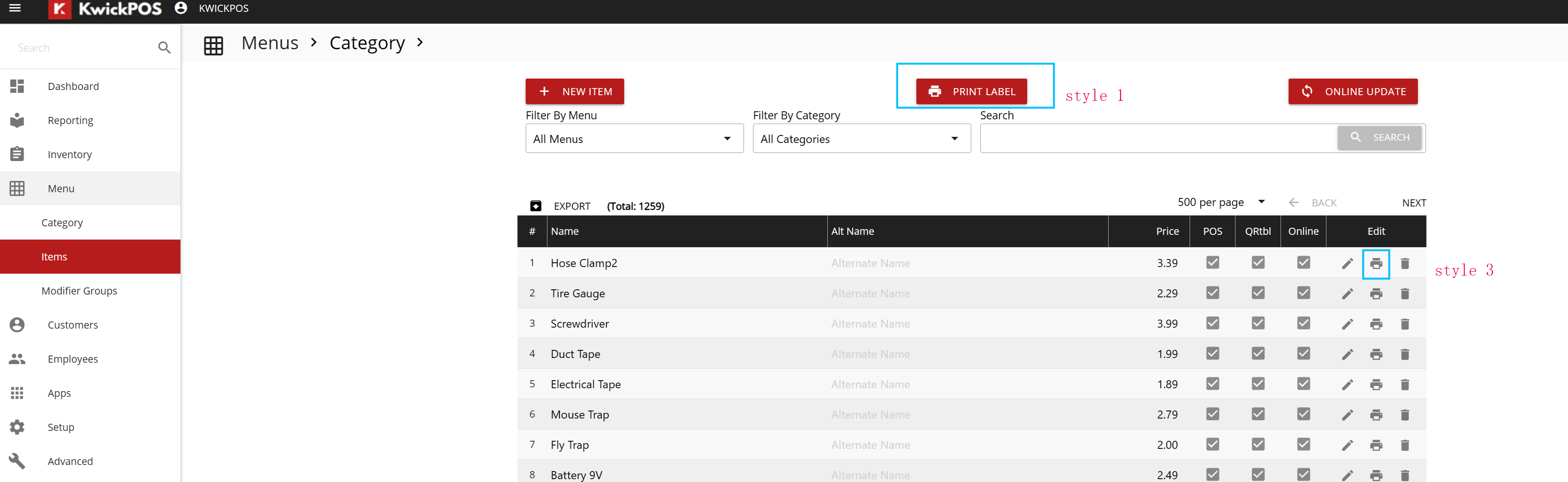
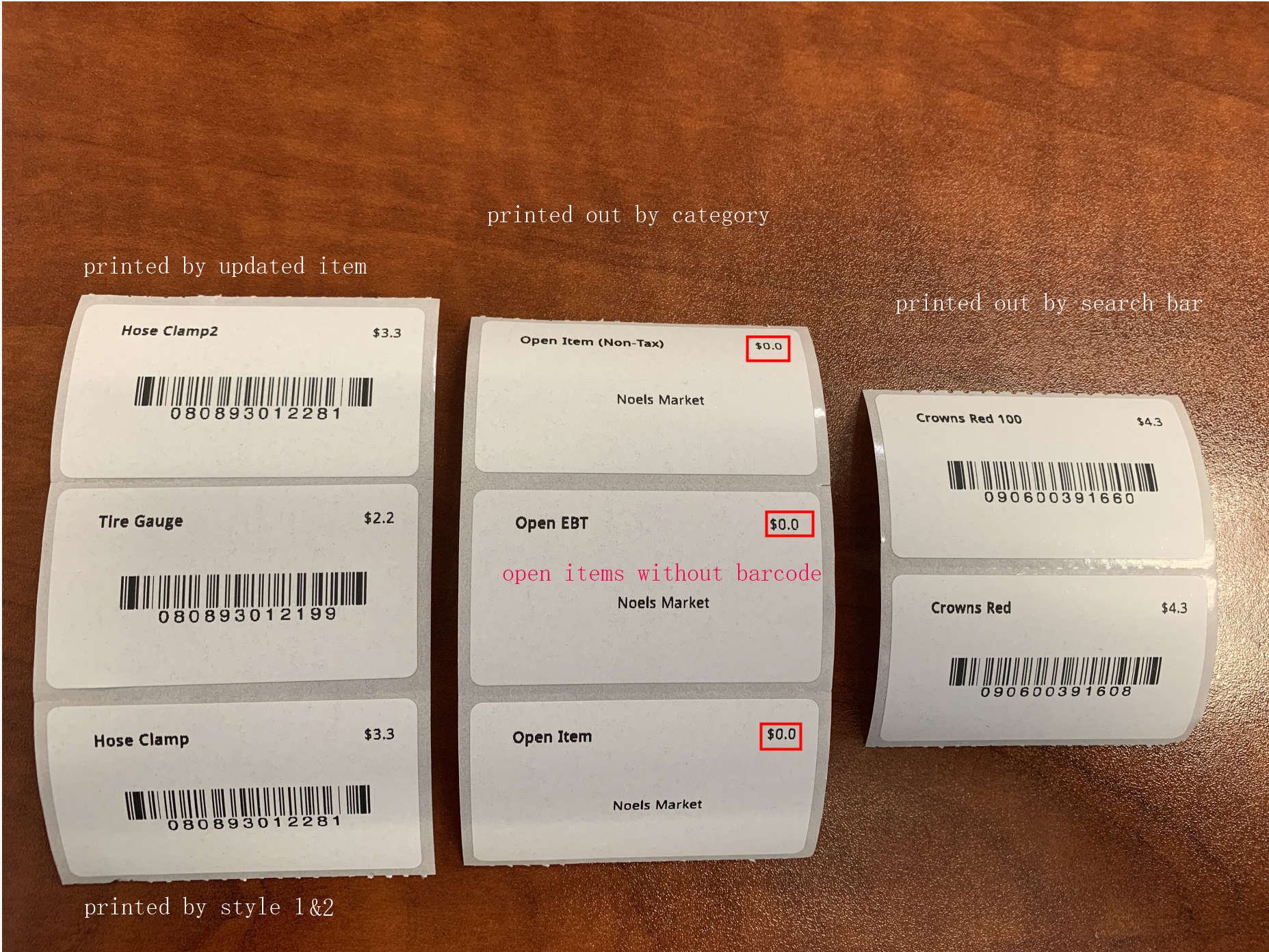
Style 1:print all the items’ labels.
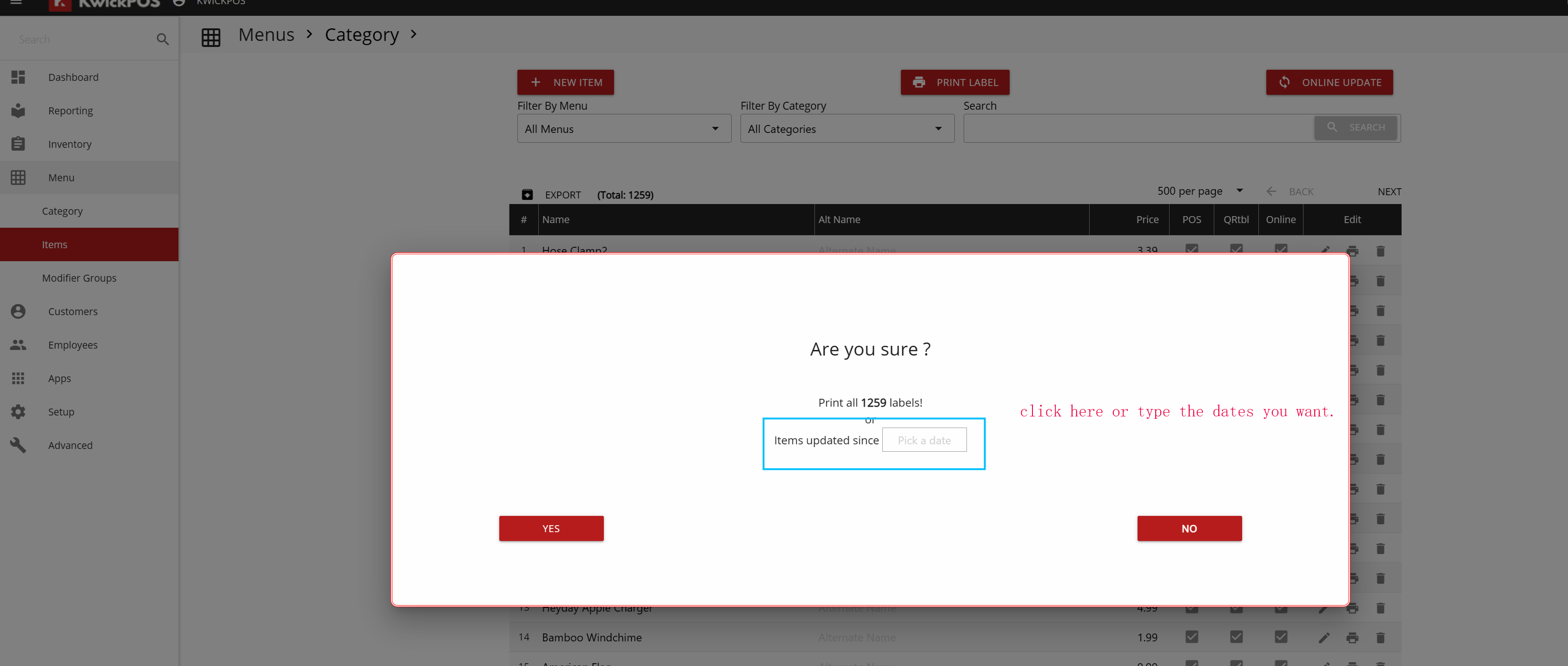
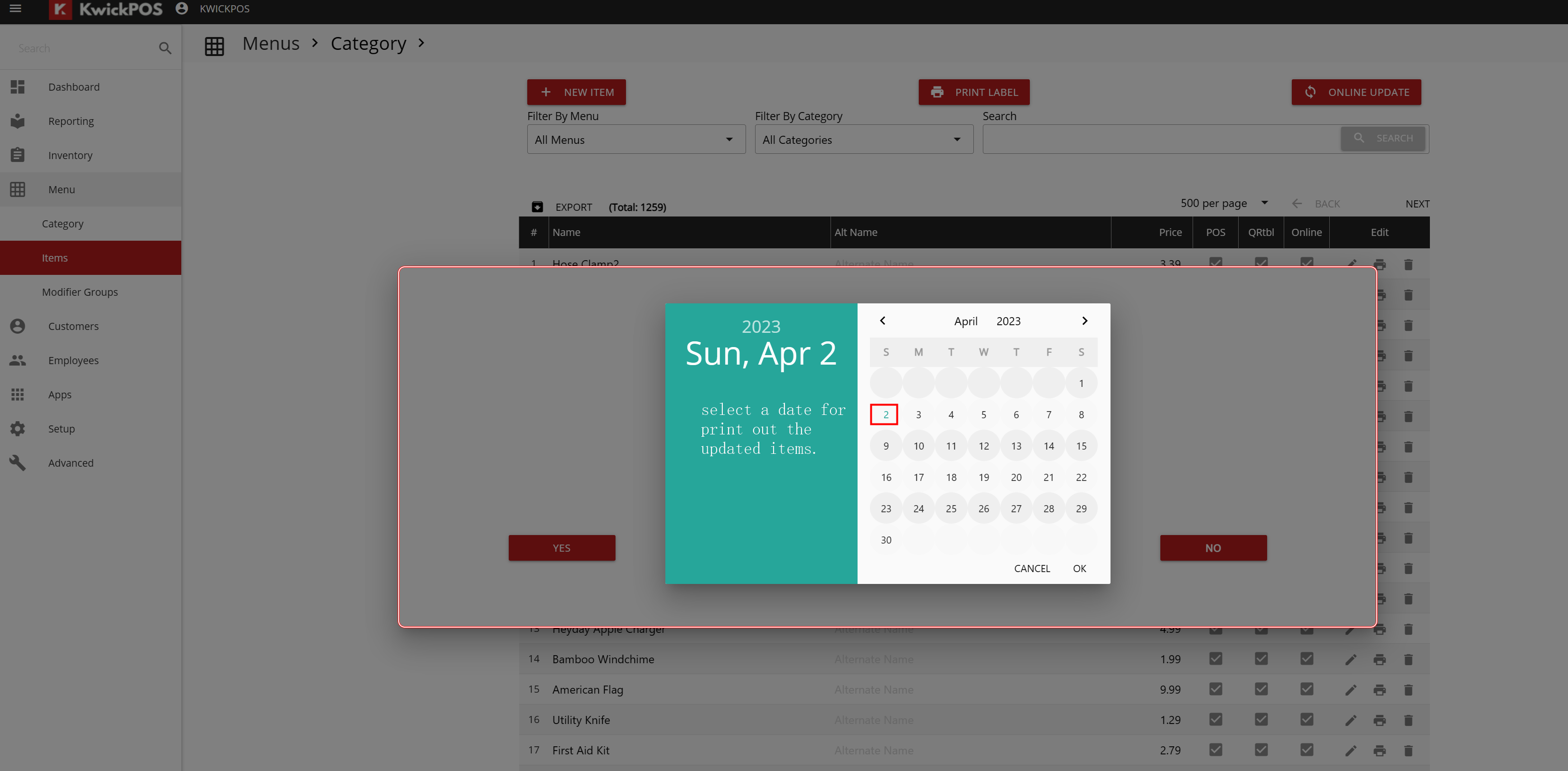
Style 2:print the updated item recently.
Style 3: only print a single item.
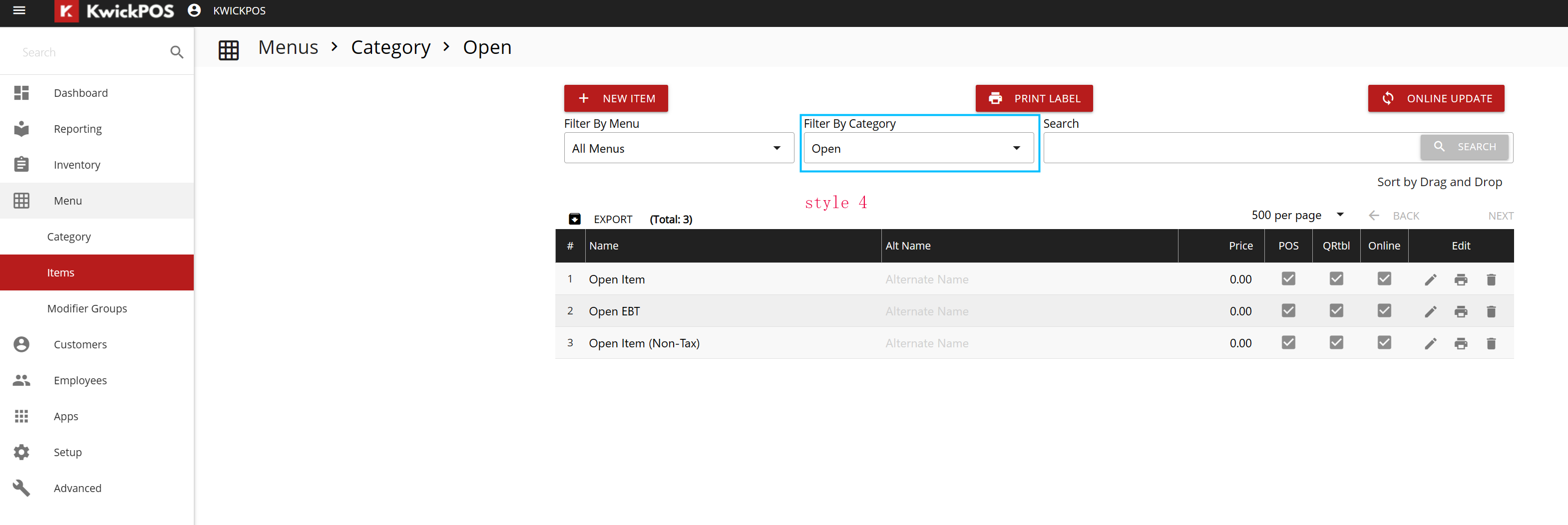
Style 4:print out selected category items.
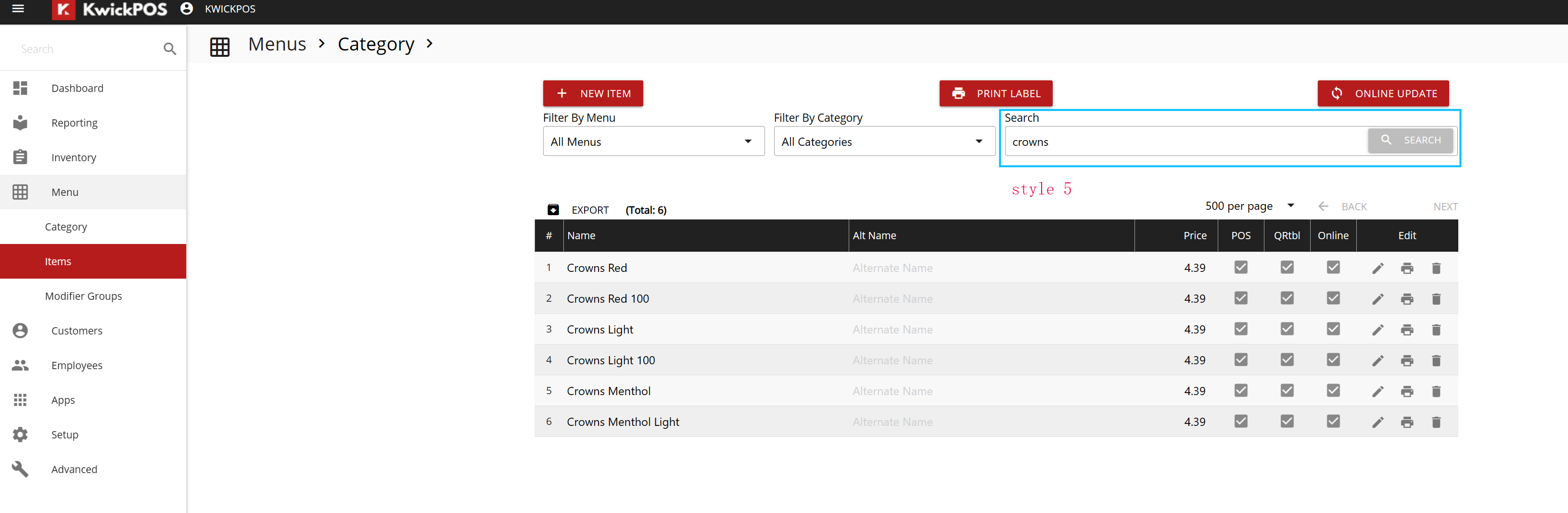
Style 5:print out the item searched by the search bar.
Style 1:print all the items’ labels. Style 3: only print a single item.
Style 2:print the updated item recently.
Style 4:print out selected category items.
Style 5:print out the item searched by the search bar.
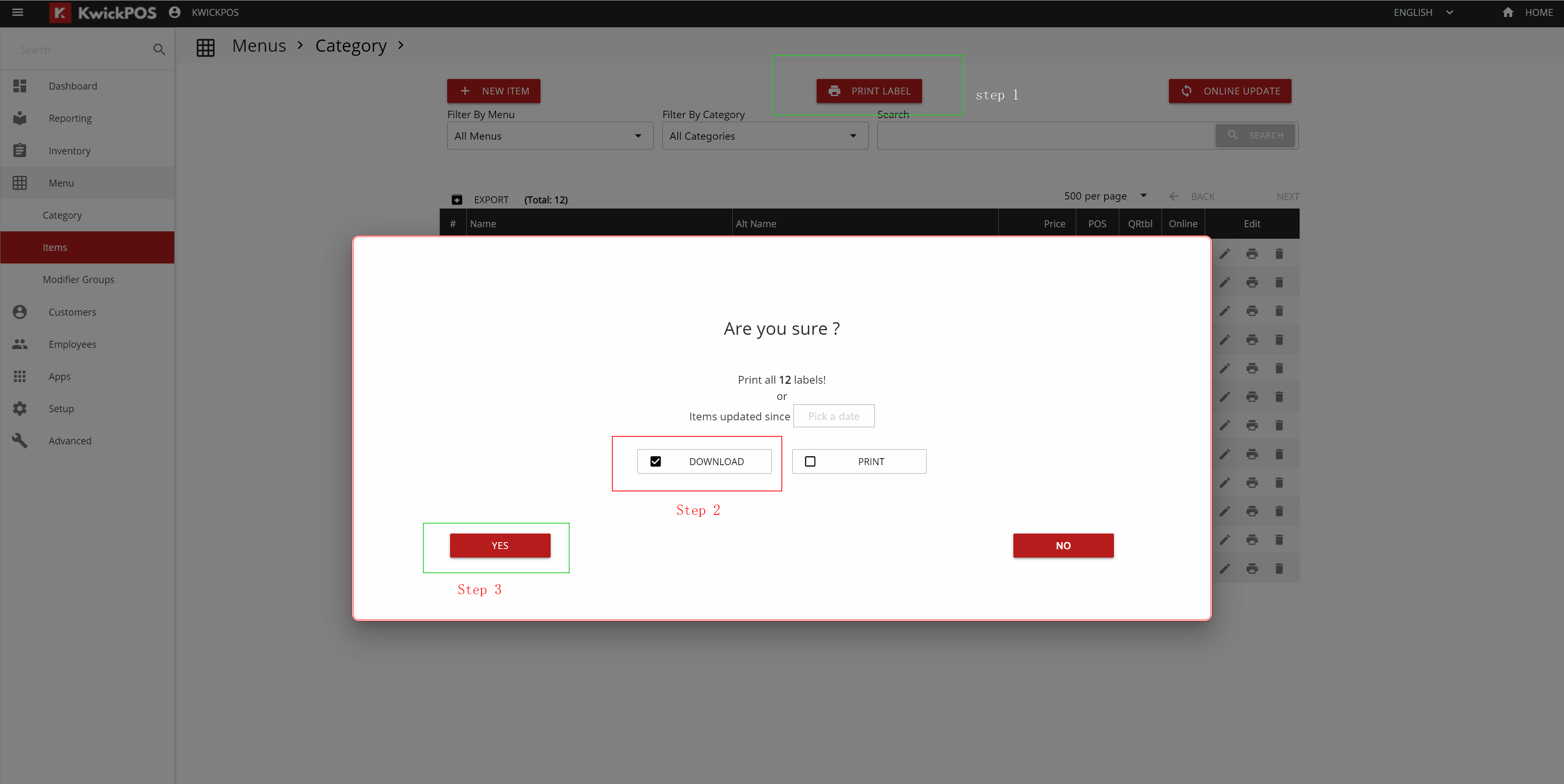
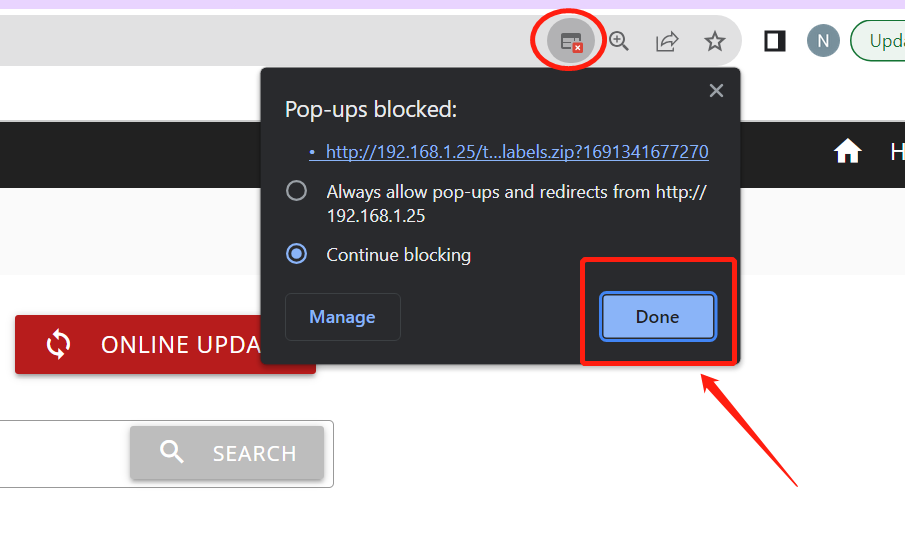
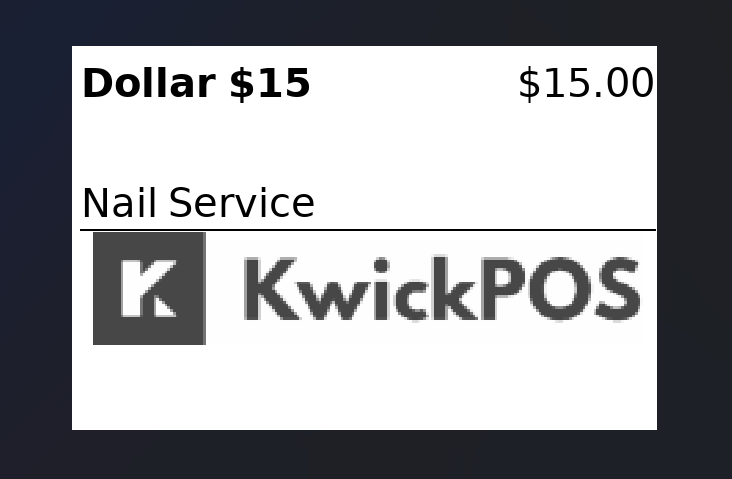
POS supports merchants to download the labels of items as .zip file and PNG files.
Our 24/7 support team can walk you through it.
Call (888) 355-6996