
POS Report
Reports- To open POS Report:
- Go to Kwickpos.com
- Sign In (Username, Password)
- Select Site name
- Select POS Report
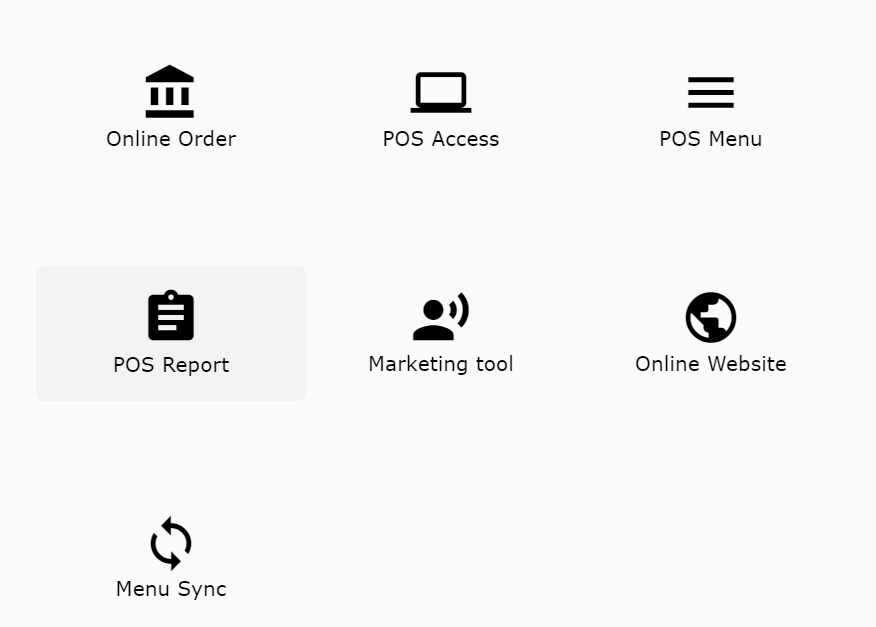
- Report: Displays sales reports and expected revenue
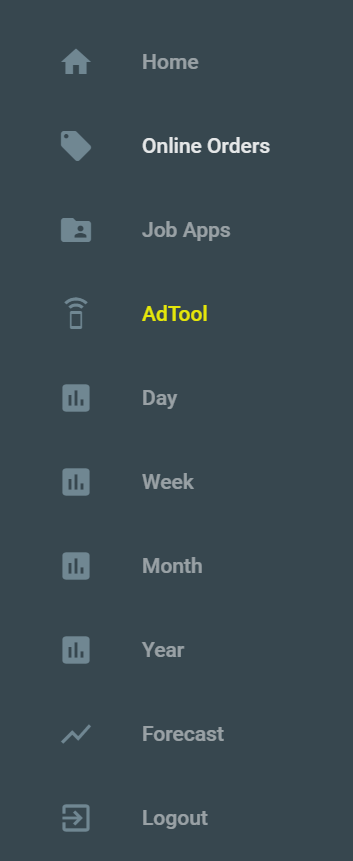
- Home: Returns to the portal
- Online Orders: Displays all online orders
- Job Apps: Displays a job application template
- AdTool: Opens the marketing tool
- Day: Sales report for the day
- Week: Sales report for the week
- Month: Sales report for the month
- Year: Sales report for the year
- Forecast: Sales forecast
- Logout: Logs you out of portal
Still need a hand?
Our 24/7 support team can walk you through it.
Call (888) 355-6996