
Release Notes 07/22/2026
Release NotesPOS:
Orders:
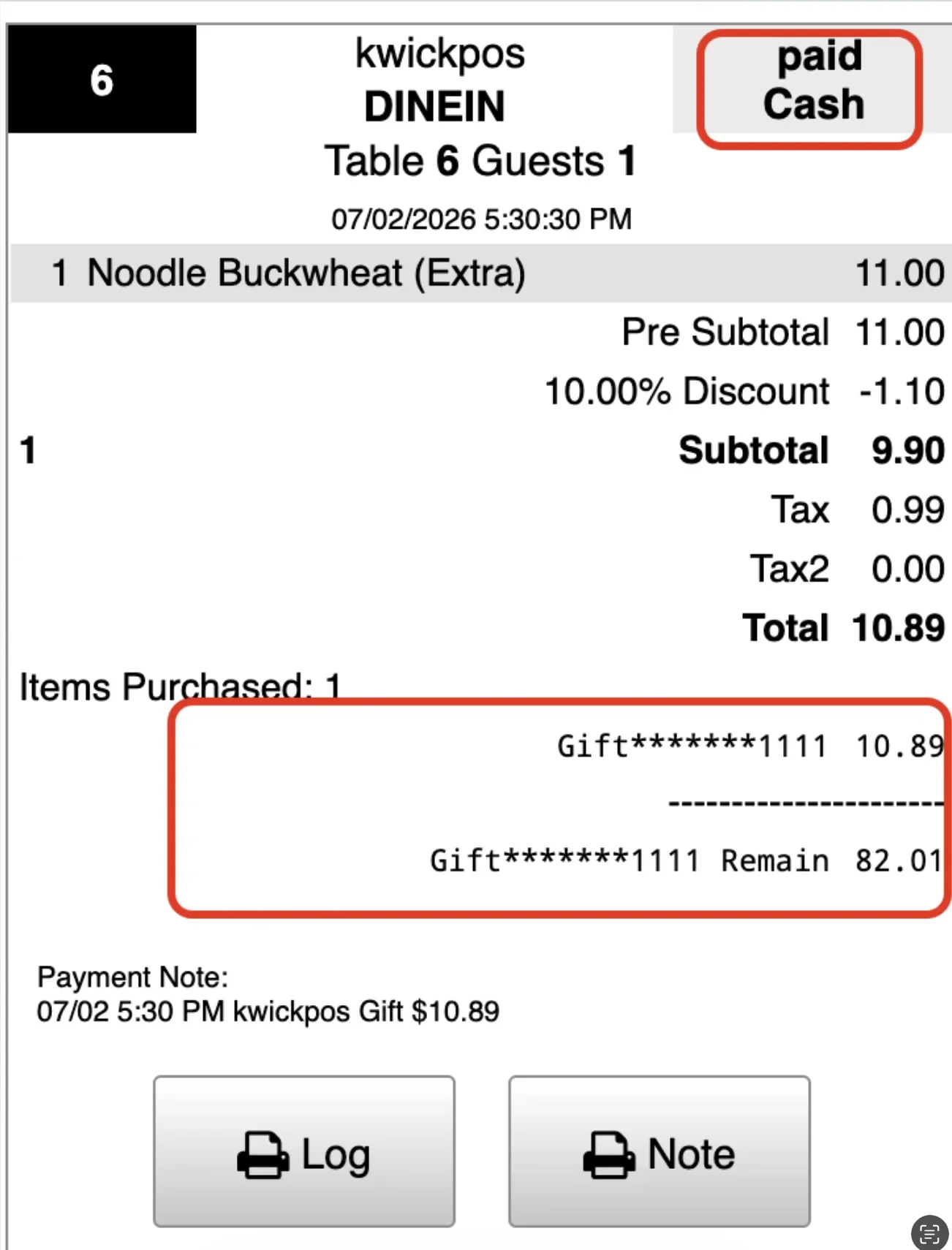
- In the old version, gift card transactions incorrectly displayed Paid Cash on the receipt. This issue has been fixed.
- In the previous version, the age verification result was reused. For example, after approving an 18+ item, selecting a 21+ item was automatically approved without rechecking the higher age requirement. This bug has been fixed.
- In the old version, scanning an ID for age verification incorrectly loaded the Quick Add UPC/Item function. This issue has been fixed.[Ticket #318701]
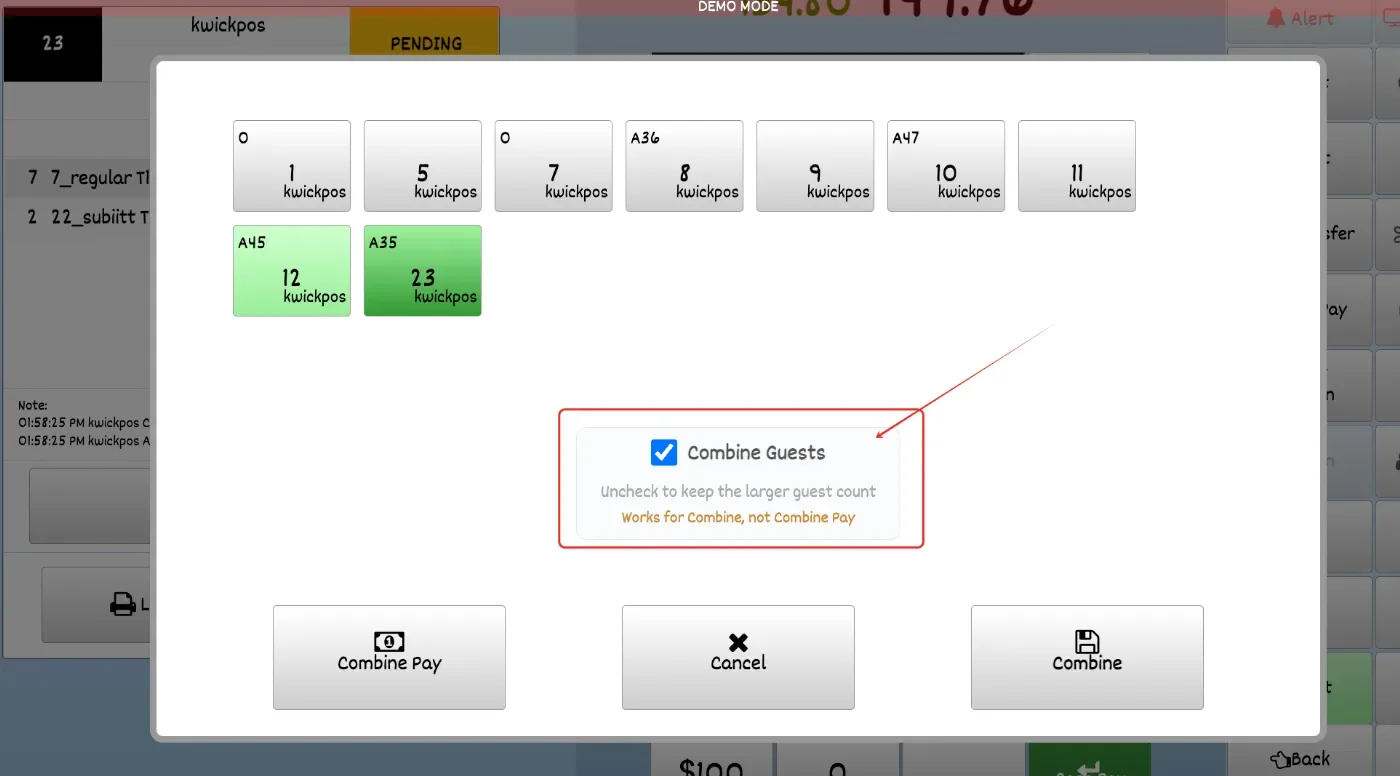
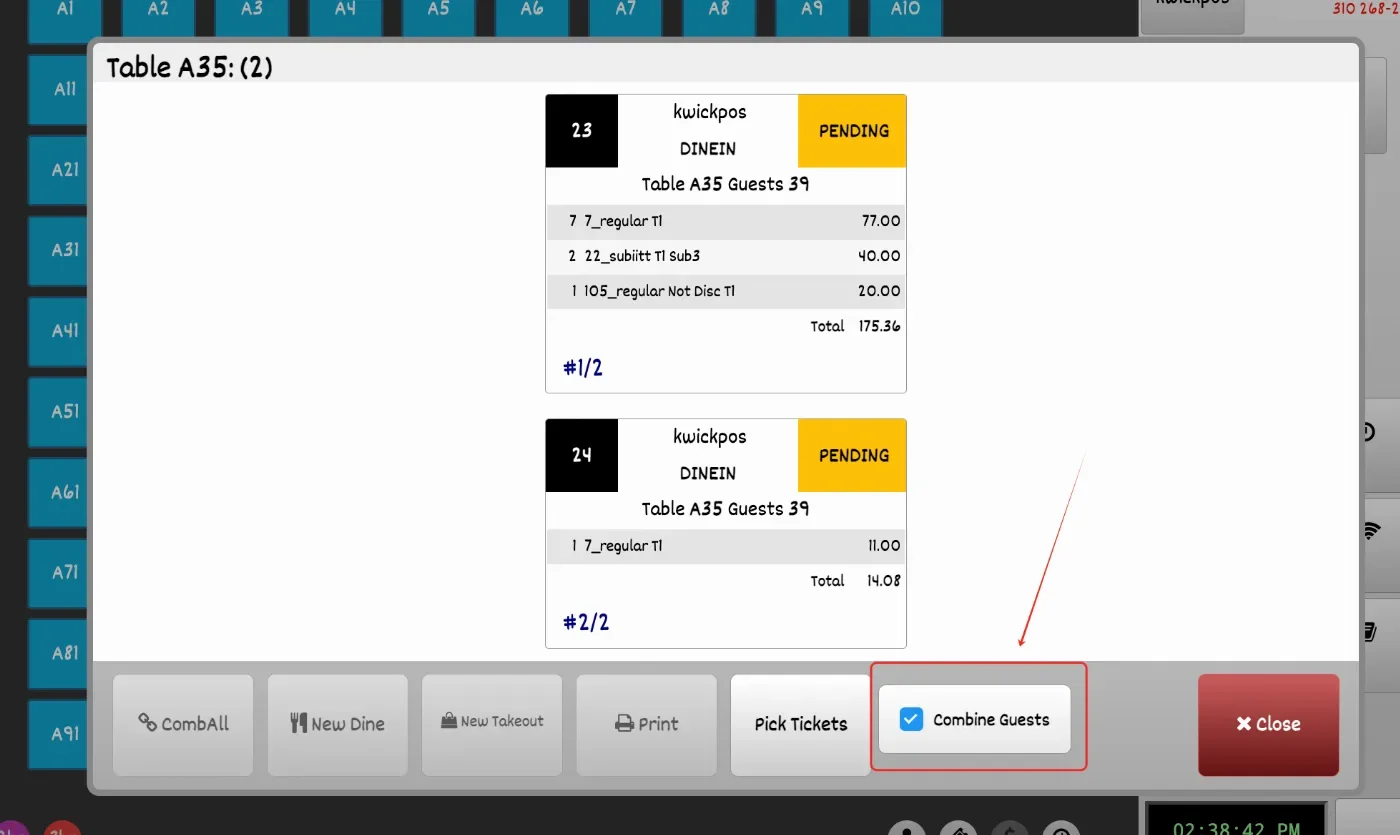
- In the new version, the Combine Table function includes an option to choose whether to combine guest counts. By default, guest counts will be combined. If the selected tables have different guest counts, the larger guest count will be kept.
Payment:
- In the new version, Magtek-tip combine pay has been fixed to properly close all combined tickets after payment. Previously, one of the tickets could remain open. [Ticket #326024]
Report:
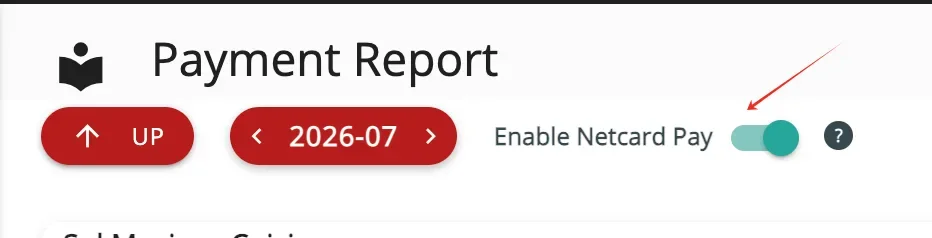
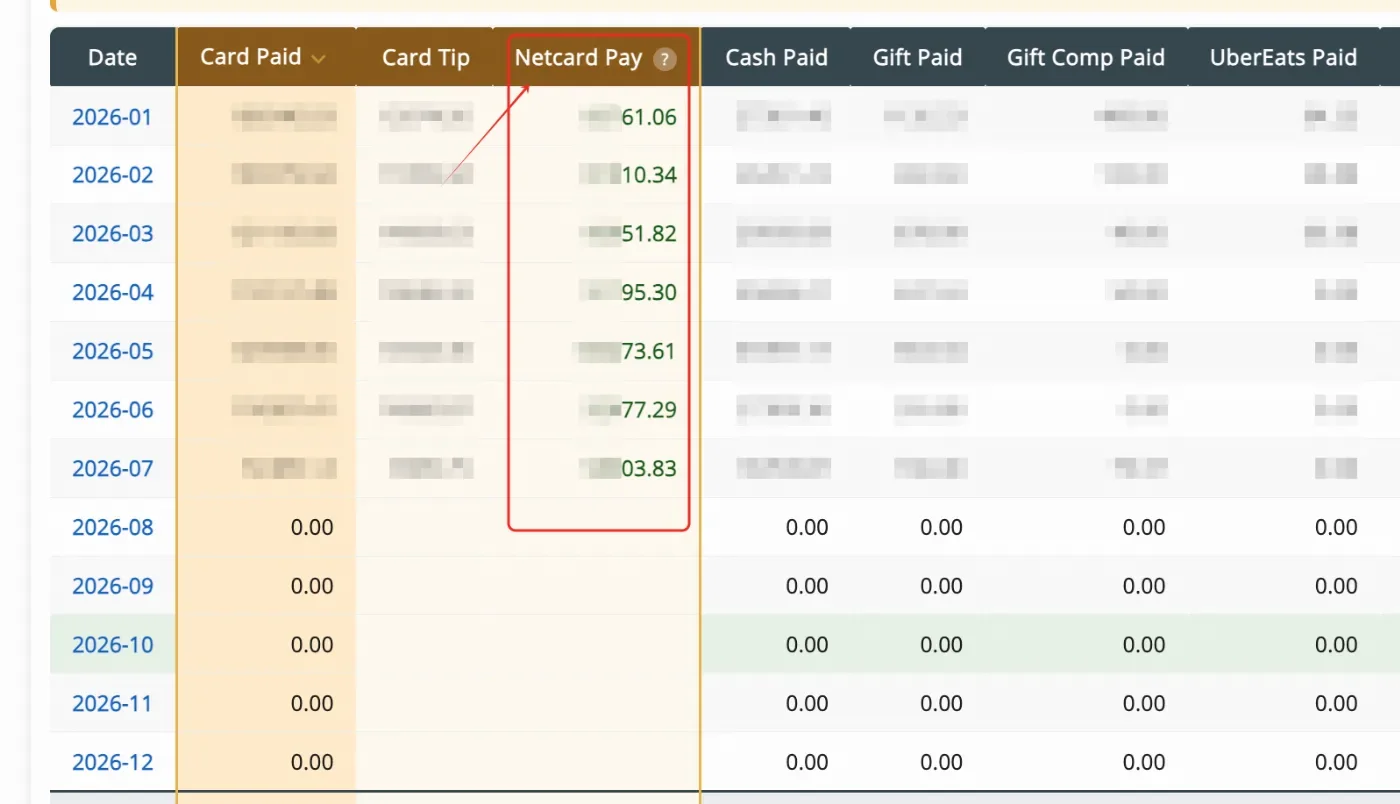
- In the new version, the Payment Report includes a new switch to display the Net Card Pay column, which excludes fees and tips from card payment amounts.
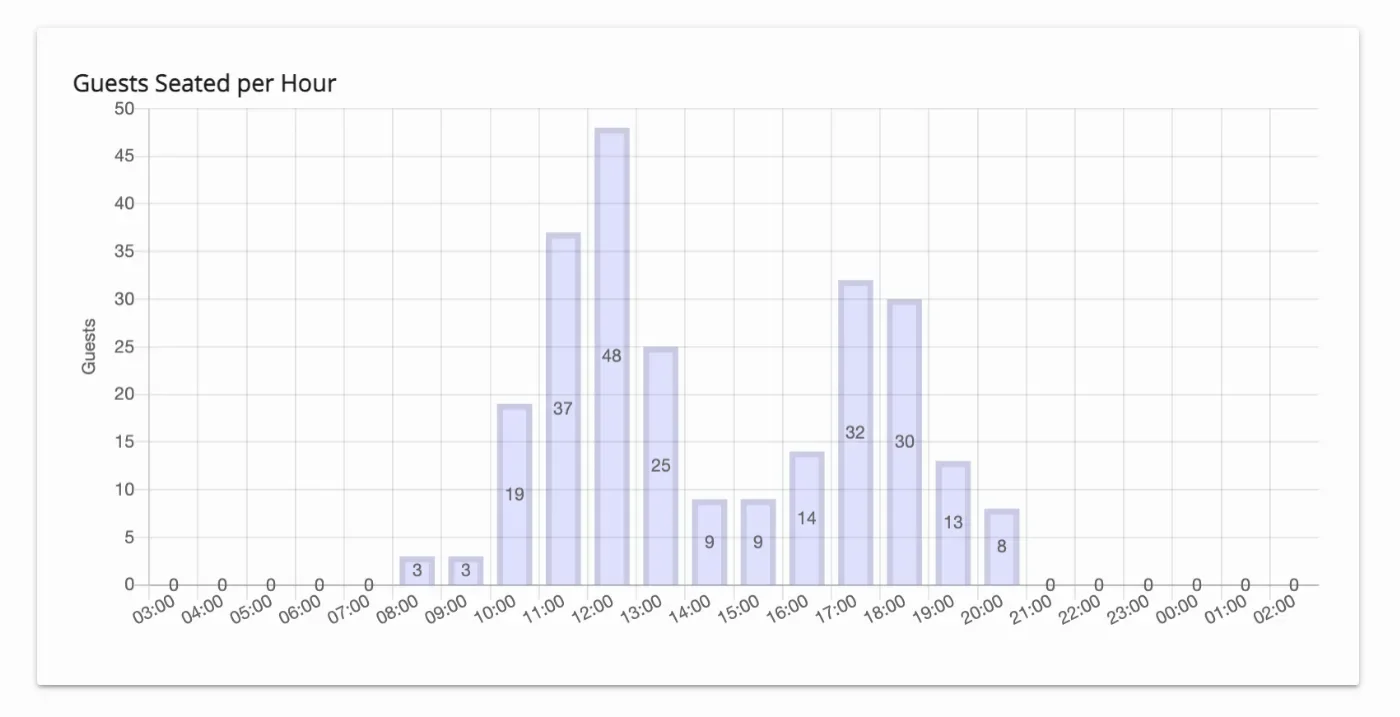
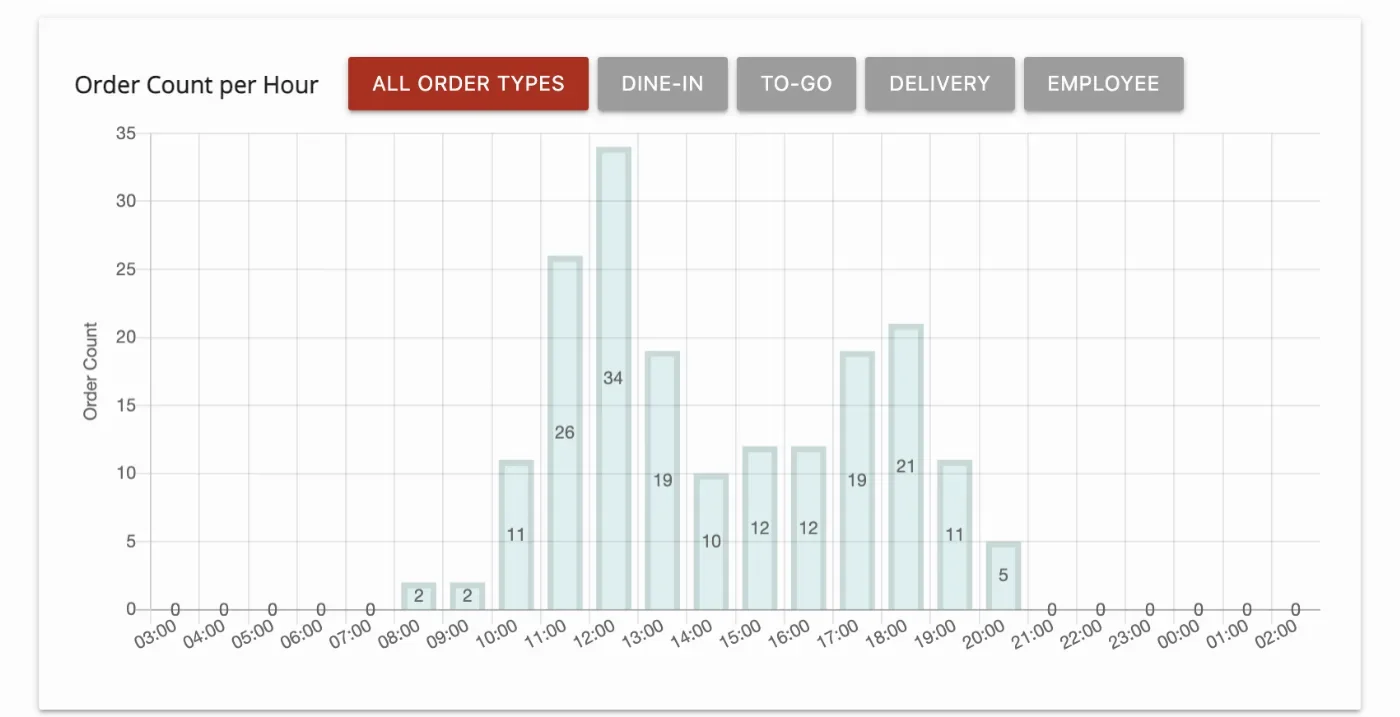
- In the new version, new sales metrics have been added under Reporting > Sales Overview, including Order Count per Hour by order type and Guests Seated per Hour. [Ticket # 320415]
Other:
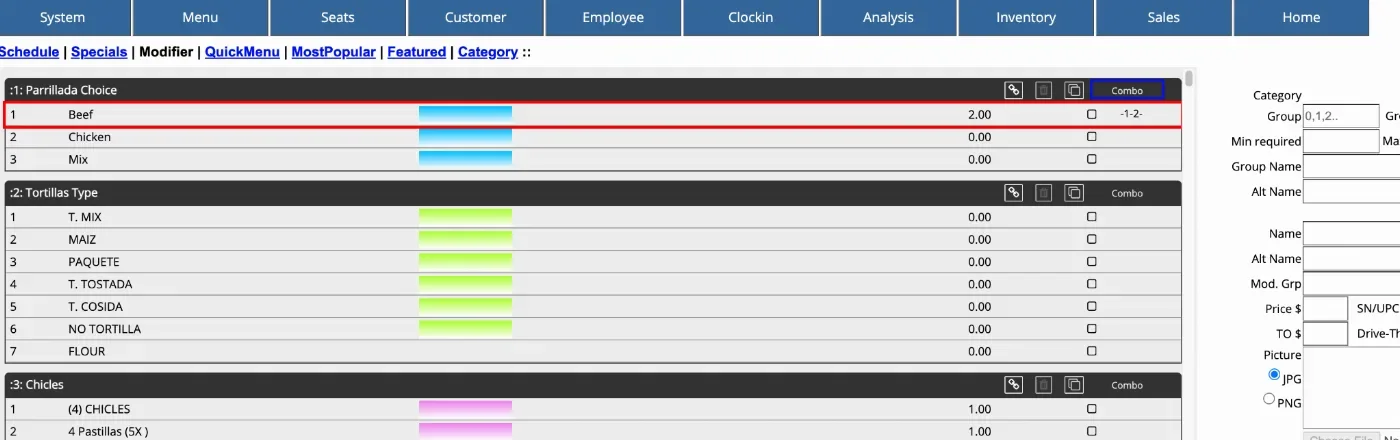
- In the new version, the modifier group ID is displayed when setting up modifiers within the modifier group.
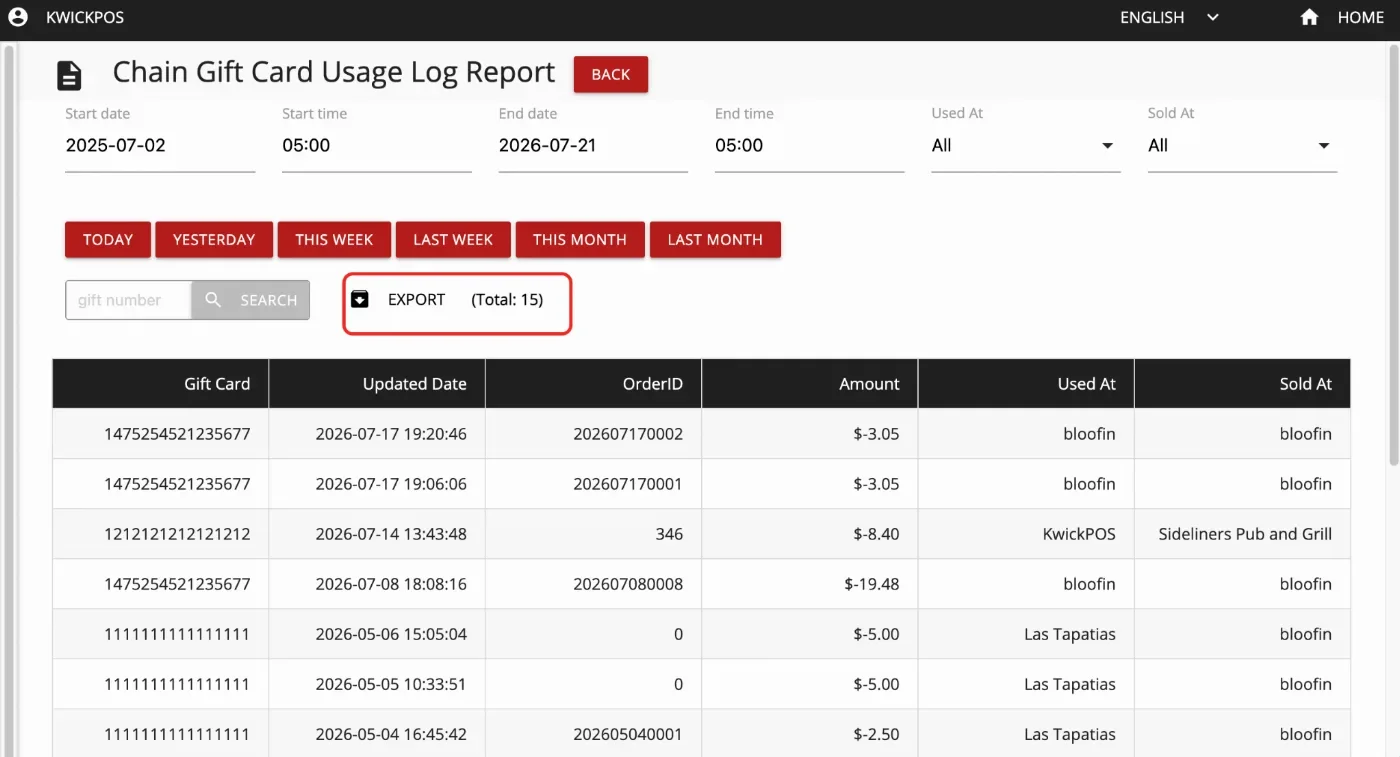
- In the new version, the Gift Card Chain Usage Report can be exported in CSV format and only includes the last six digits of the Gift ID.
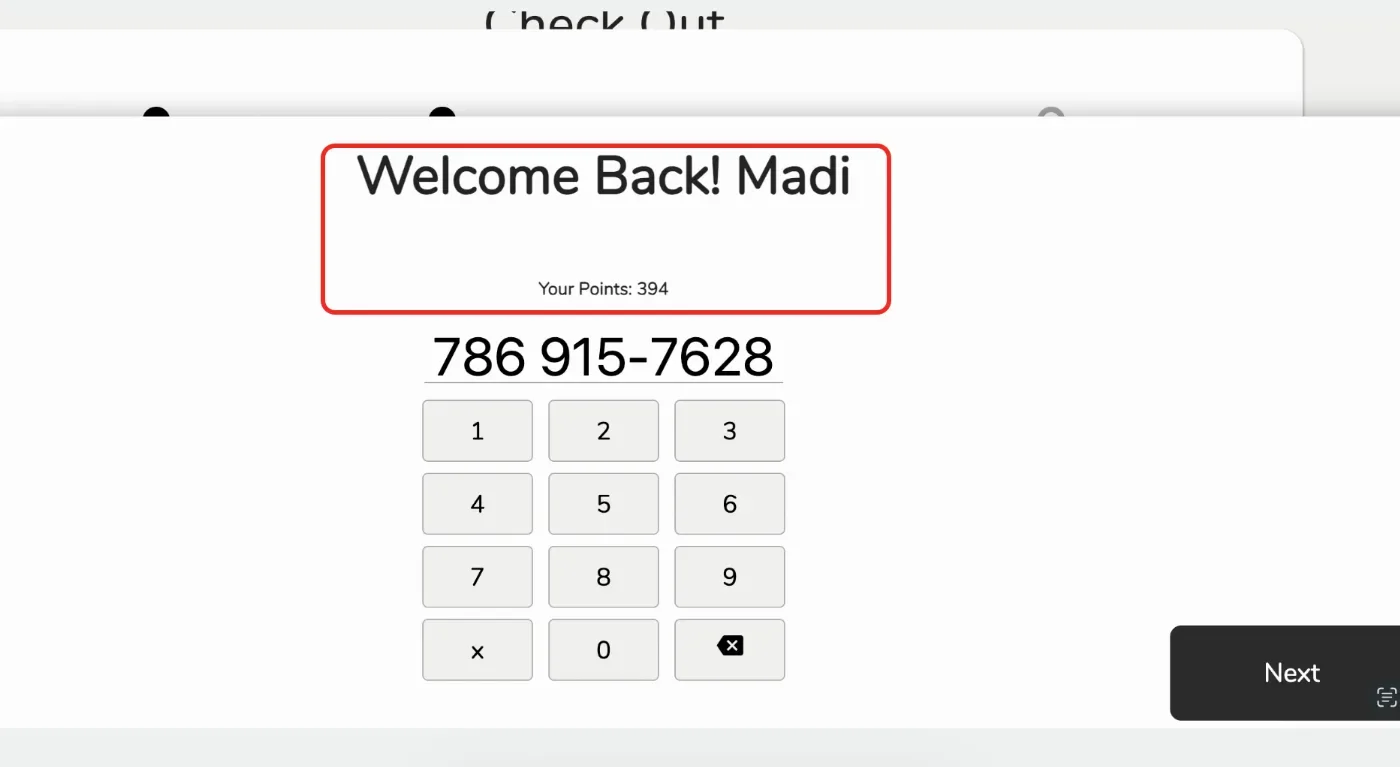
- In the new version, the kiosk checkout screen automatically displays the customer’s loyalty point balance after their phone number is entered.[Ticket #326933]
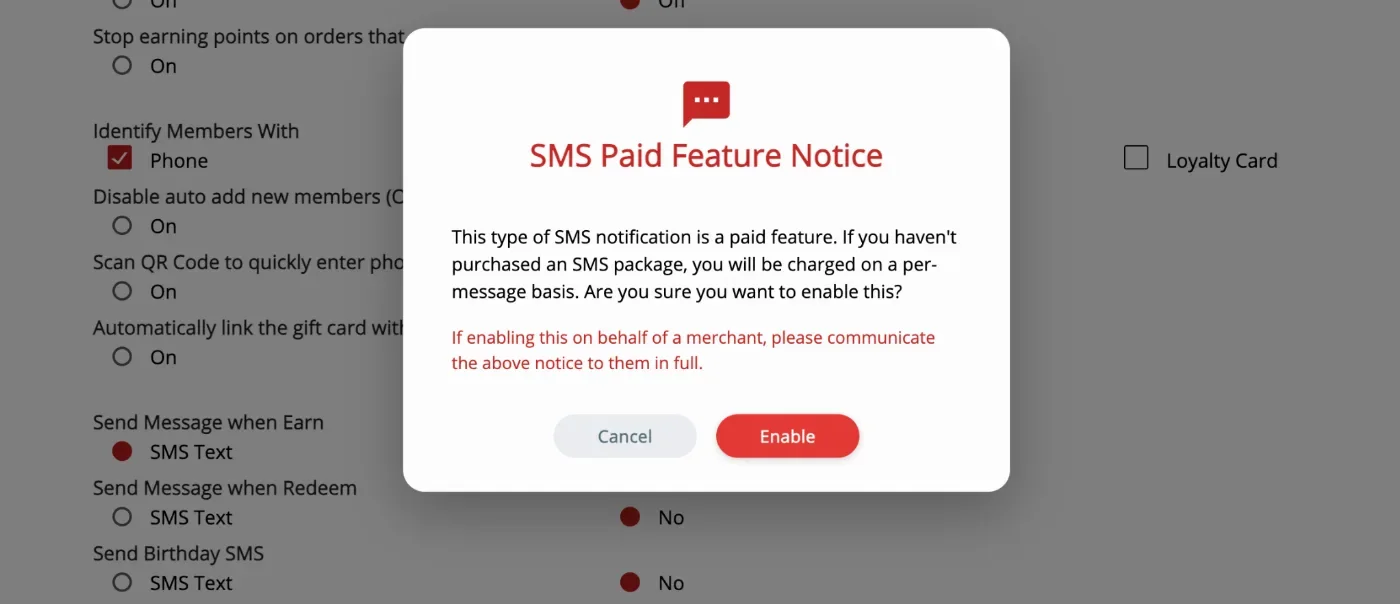
- In the new version, an SMS paid feature alert is displayed when enabling POS Loyalty SMS, User SMS Alert, or Salon SMS to notify users of potential SMS charges.
- In the new version, gift card chain insertion has been fixed for purchases where the cardholder name contains spaces. Gift cards can now be inserted into the chain successfully when the payment card name includes a space. [Ticket # 322634]
- In the new version, batch permission in backoffice > Employee > Permissions also controls the Managers.
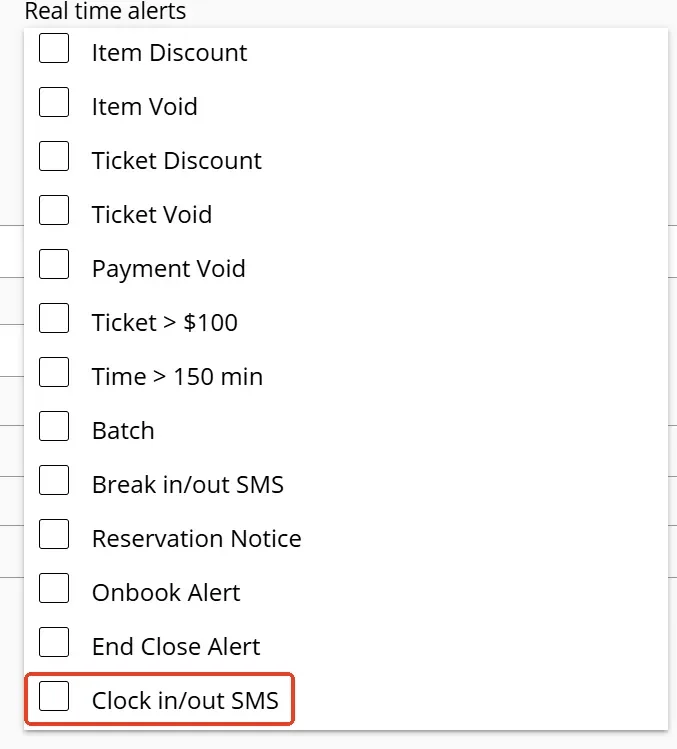
- In the new version, a merchant can add a real-time SMS alert for employees in Backoffice > Employees > Users > Read Time Alerts > Clock in/out SMS.
- In the new version, the modifier text font size can now be adjusted. This can be changed in Advanced Back Office > General > Modifier Font Size. [Ticket #321956]
Online:
KwickMenu.com:
- In the previous version, if the POS had a large number of menu images, online synchronization could time out and return a 504 Gateway Timeout error. In the new version, the synchronization mechanism has been optimized to improve performance. The system now synchronizes menu data and settings first, allowing the KwickMenu page to open as soon as they are complete. Menu images continue syncing in the background, so users can begin using the page without waiting for all images to finish uploading.
Still need a hand?
Our 24/7 support team can walk you through it.
Call (888) 355-6996